
Dark Space Phone Wallpapers
Space · 17 wallpapers · newest first
Space is the look-up set for your lock screen: nebulae, star fields and that thin curve of light at the edge of a world. These belong together because they all open into the dark. They work well on a tall screen, where the sky can sit above your icons.
Sized for a tall phone lock screen. Want the Space set on a monitor? See Space 16:9 wallpapers on TimeTravelWalls for Desktop.
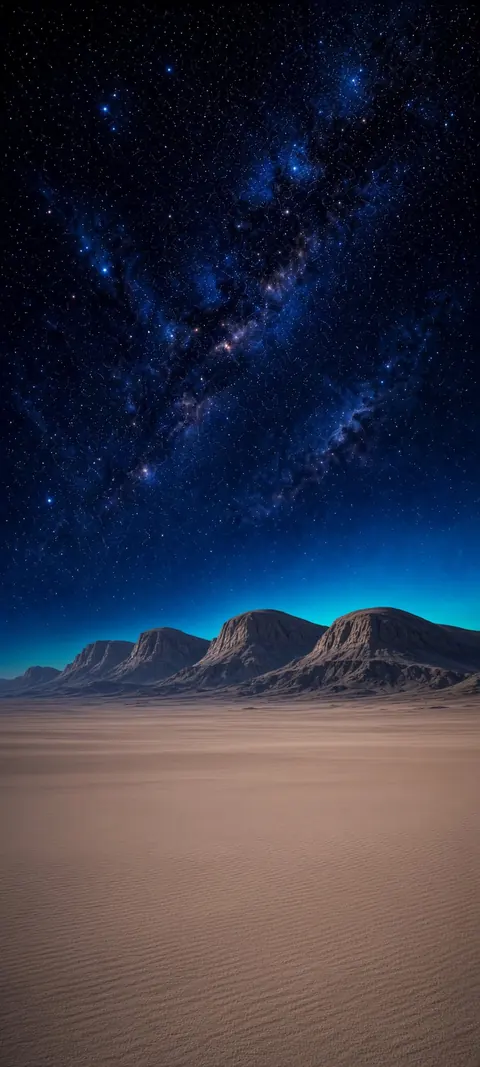
Galactic Mesa Horizon
Galactic Mesa Horizon — a fresh TimeTravelWalls original.
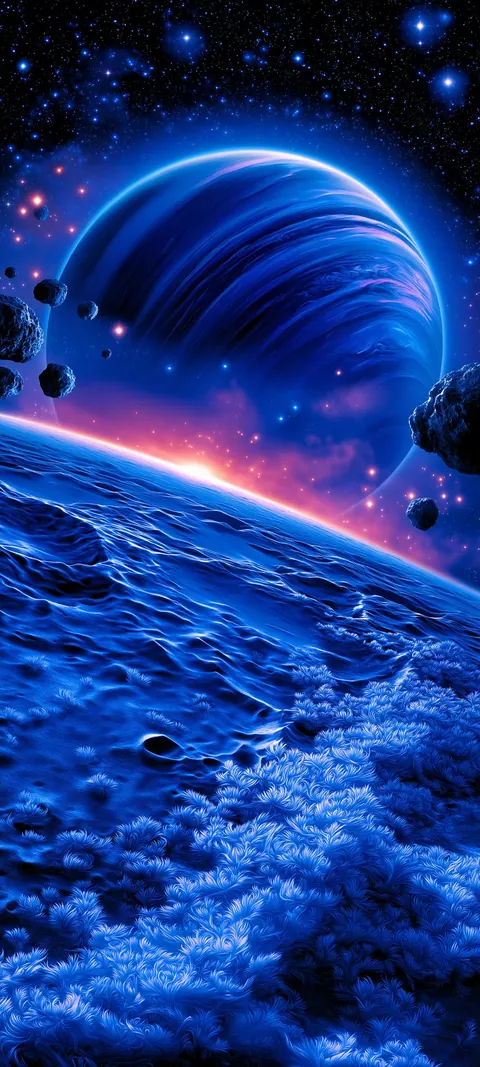
Ringed Ice Horizon
Ringed Ice Horizon — a fresh TimeTravelWalls original.
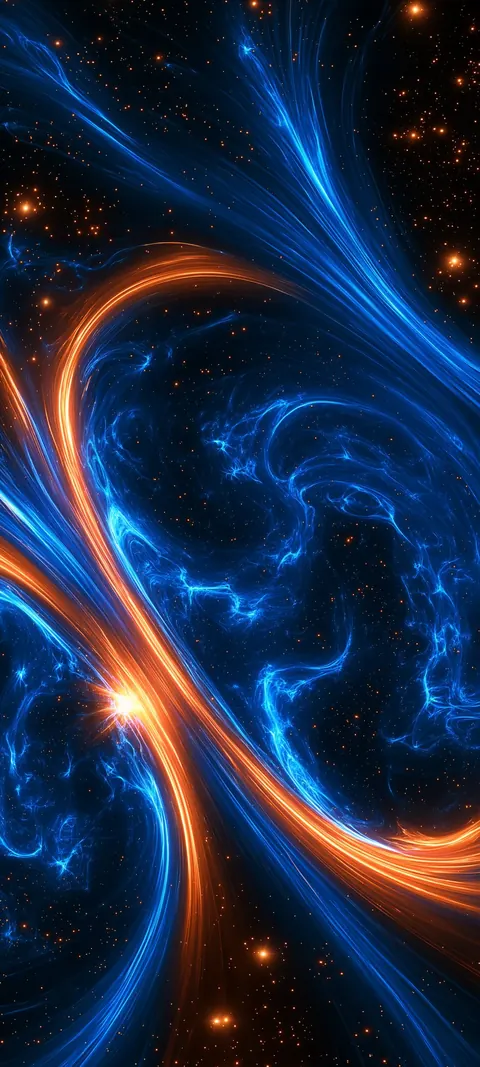
Cosmic Copper Eddies
Cosmic Copper Eddies — a fresh TimeTravelWalls original.
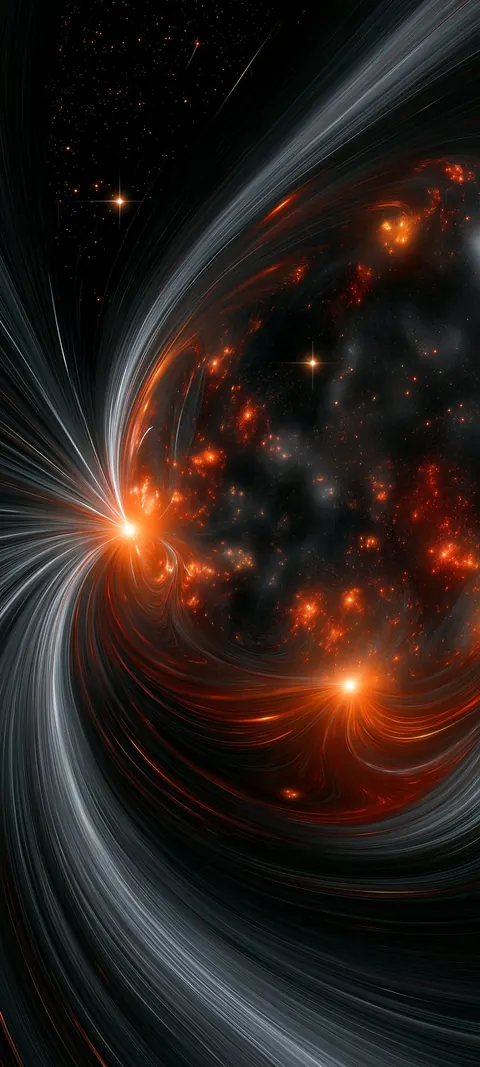
Shadow Planet Embers
Shadow Planet Embers — a fresh TimeTravelWalls original.

Azure Atom Orbits
Azure Atom Orbits — a fresh TimeTravelWalls original.
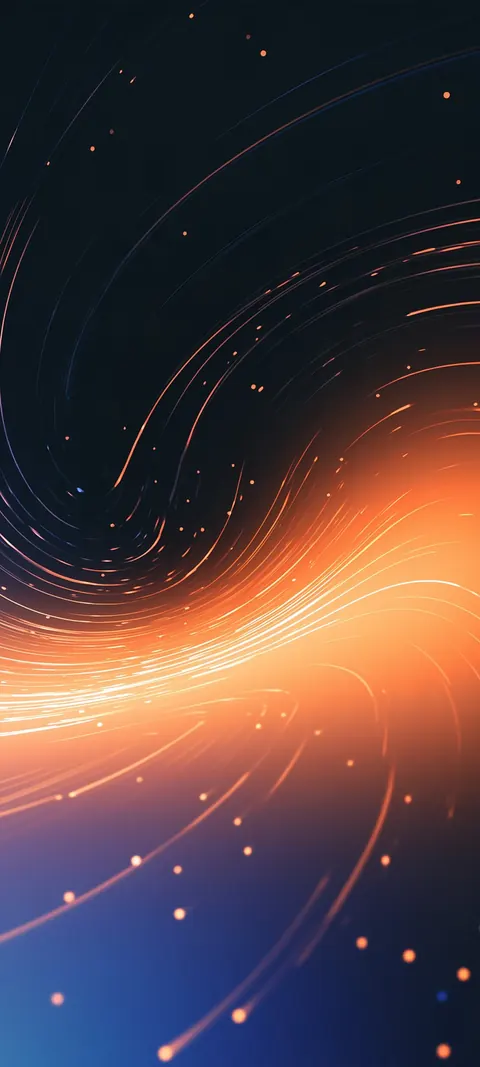
Ember Stardust Swirl
Ember Stardust Swirl — a fresh TimeTravelWalls original.
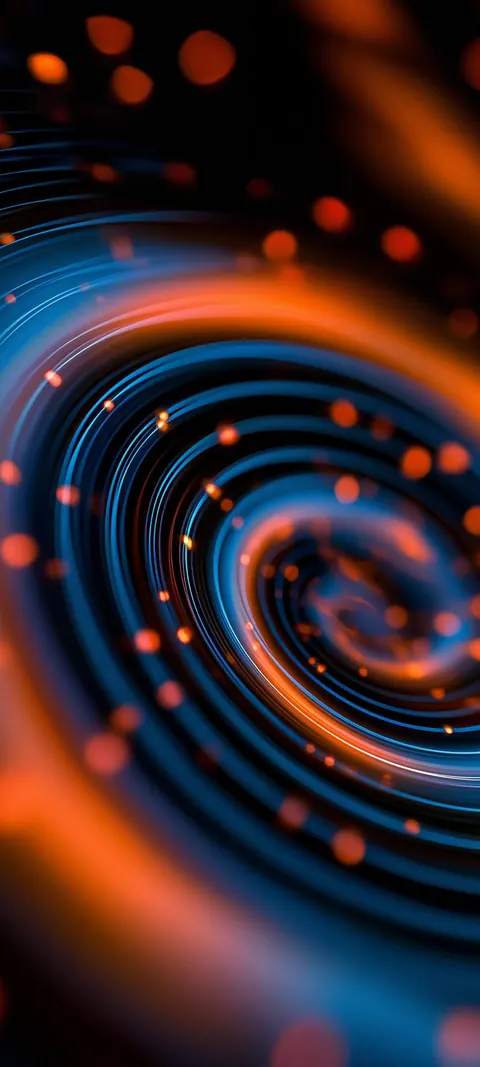
Copper Ring Vortex
Copper Ring Vortex — a fresh TimeTravelWalls original.
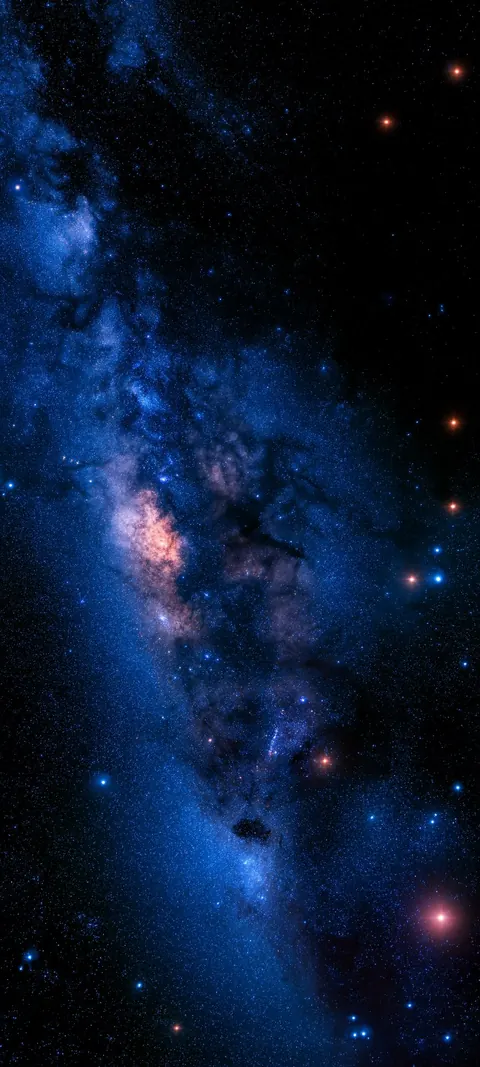
Blue Galactic Band
Blue Galactic Band — a fresh TimeTravelWalls original.
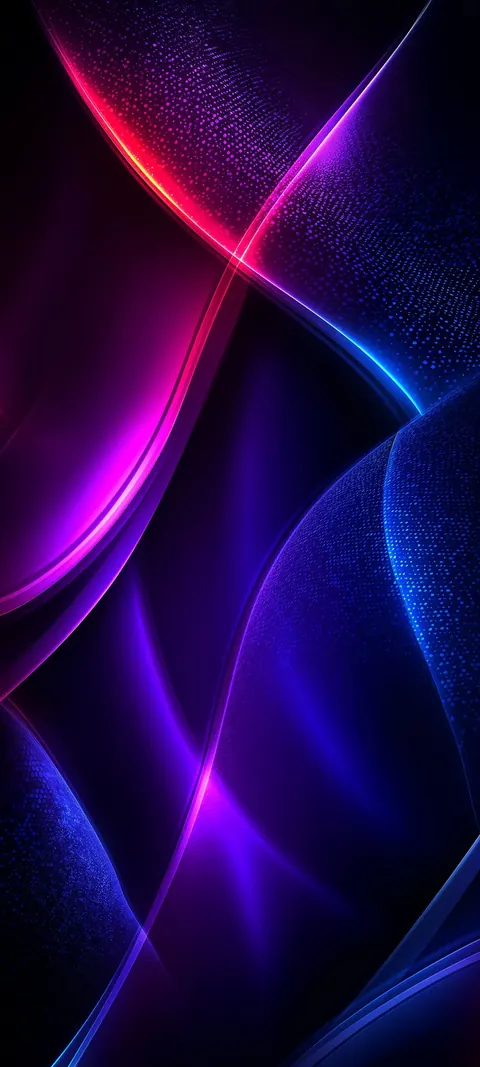
Violet Silk Flare
Violet Silk Flare — a fresh TimeTravelWalls original.
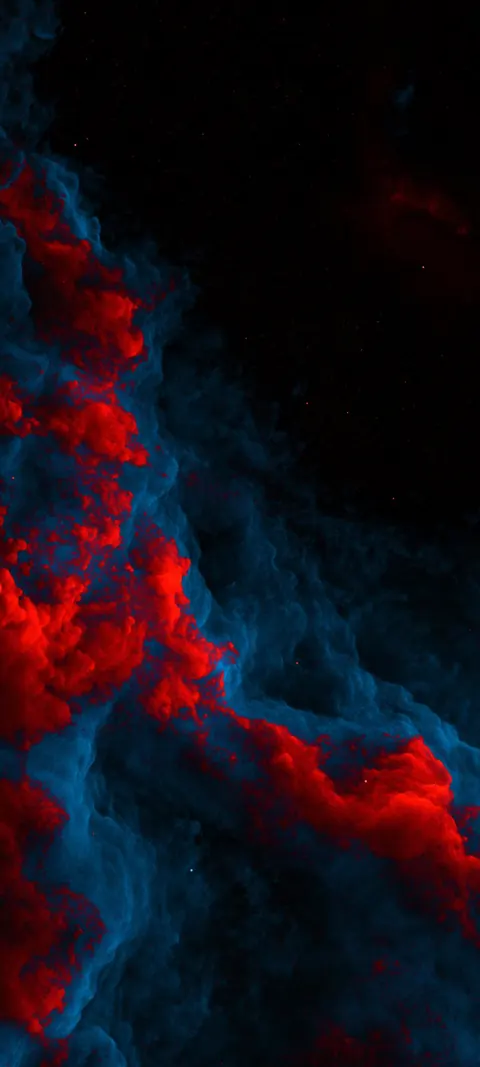
Cardinal Plasma Storm
Cardinal Plasma Storm — a fresh TimeTravelWalls original.
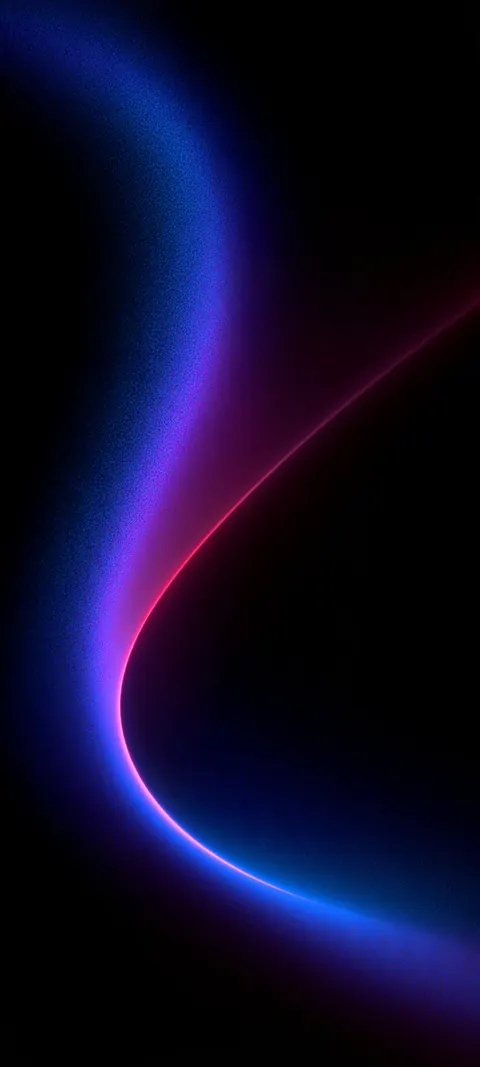
Ultraviolet Comet Curve
Ultraviolet Comet Curve — a fresh TimeTravelWalls original.
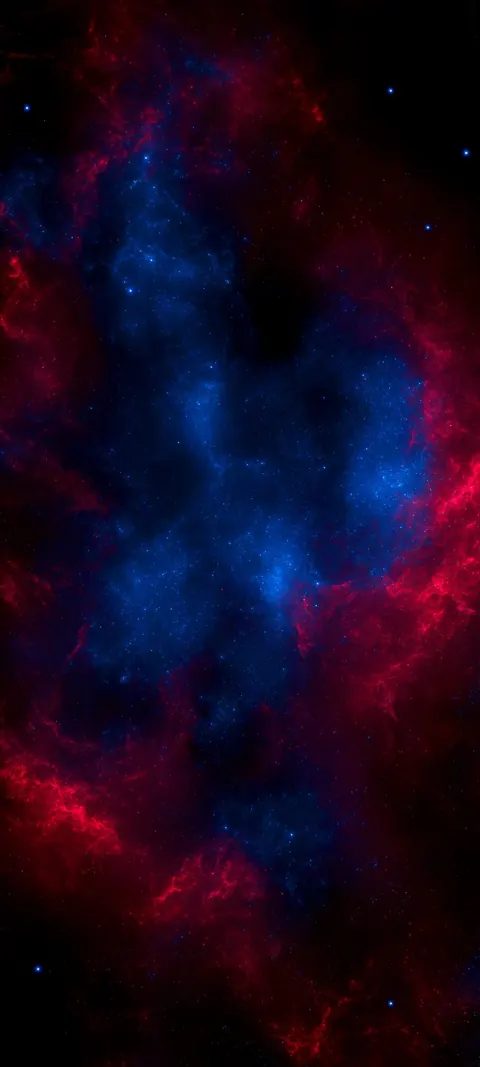
Indigo Ember Nebula
Indigo Ember Nebula — a fresh TimeTravelWalls original.
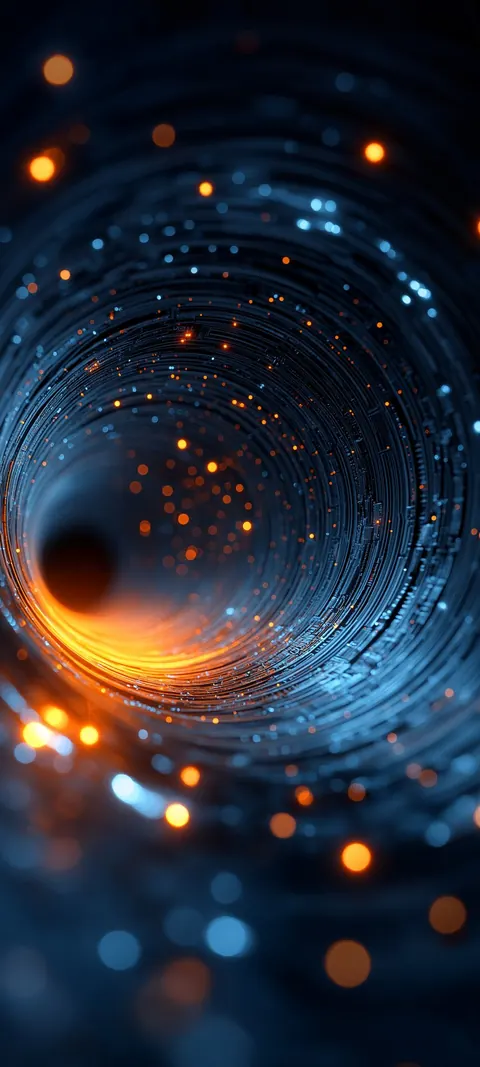
Sapphire Spark Wormhole
Sapphire Spark Wormhole — a fresh TimeTravelWalls original.
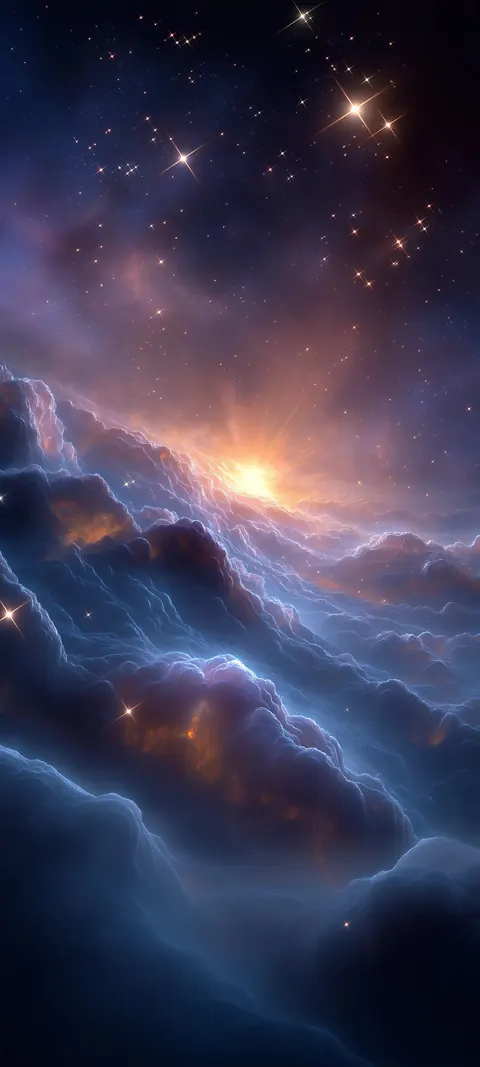
Starborn Cloud Sea
Starborn Cloud Sea — a fresh TimeTravelWalls original.
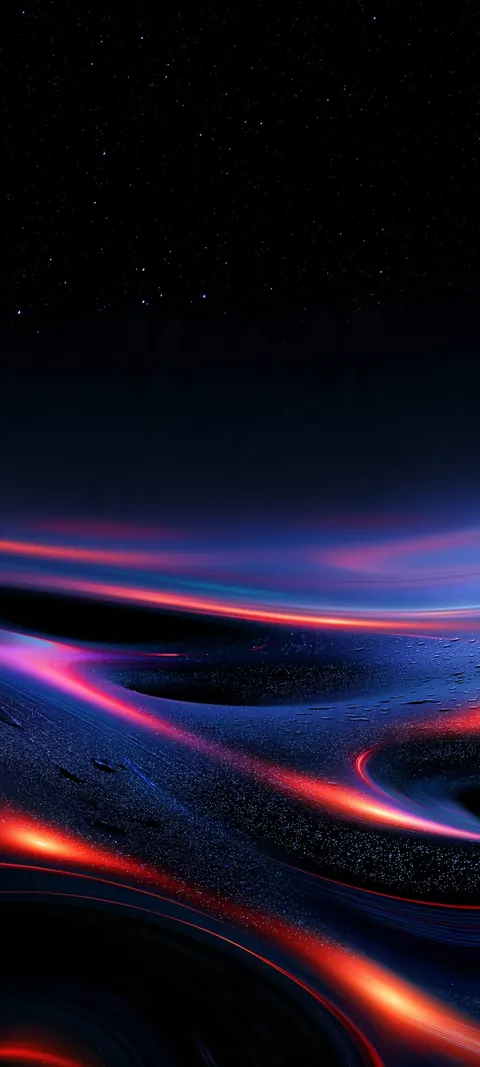
Nebula Flare Tide
Nebula fire tides sweep across a starlit shore.
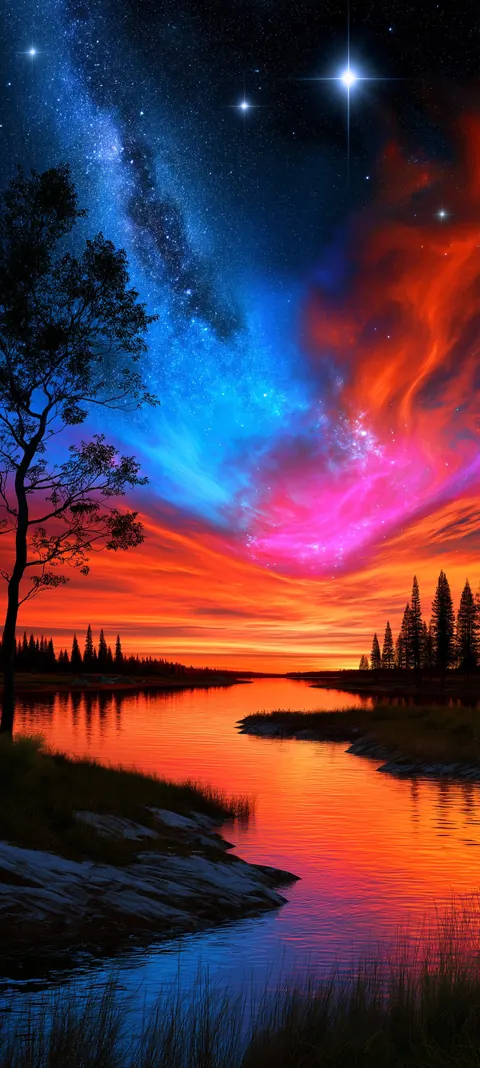
Nebula Drift
Cyan and ember gas over still water.
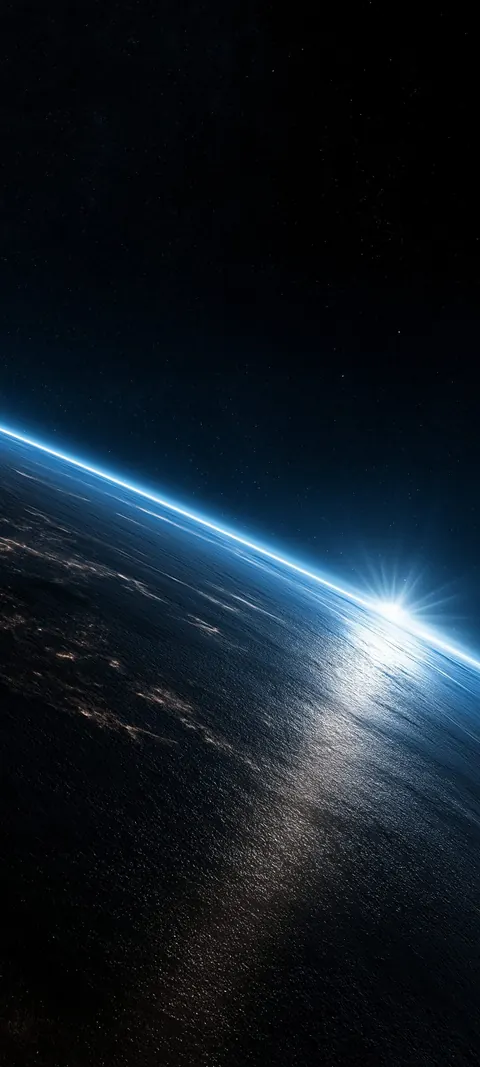
Orbital Dawn
Planet limb and star-rise under empty sky.
About these Space wallpapers
Space gathers star fields, galaxy bands, orbits and glowing particles drifting through the dark. Some lean toward real astronomy, like a band of the Milky Way; others are pure imagination, with spiralling light and orbiting spheres. They share deep blacks and small points of light, which is what keeps a space wallpaper calm rather than busy.
Space art suits a dark screen well. The empty sky leaves room for the clock and widgets, while the stars give the eye somewhere to rest.
Every Space wallpaper here is a tall image made for a phone lock screen and home screen. Each one opens on its own page with a free download, its exact resolution and the screens it fits. Downloads are free, no signup, no watermark.
The newest Space wallpapers are always listed first, and new designs are added as they are made, so there is usually something fresh at the top of this page.
FAQ
What resolution are these wallpapers?
The downloads in this category are 864 × 1920, 1079 × 2400 or 1080 × 2400 pixels in a tall shape close to the 19.5:9 iPhone screen. That is high resolution, not 4K. Each wallpaper's own page lists its exact size and file size.
Can I use them for free?
Yes, for personal use as a phone wallpaper: free, no signup, no watermark. Please do not resell or redistribute the files. Read the license.
How do I set one as my iPhone wallpaper?
Open the wallpaper's page in Safari and tap Download. The file is saved to the Files app, in Downloads. Open it there, tap Share, then Save Image to add it to Photos. In Photos, open the image, tap Share, choose Use as Wallpaper, adjust the crop and tap Add.